KaOS 2025.11
It is a great pleasure to present to you the November release of a new stable ISO.
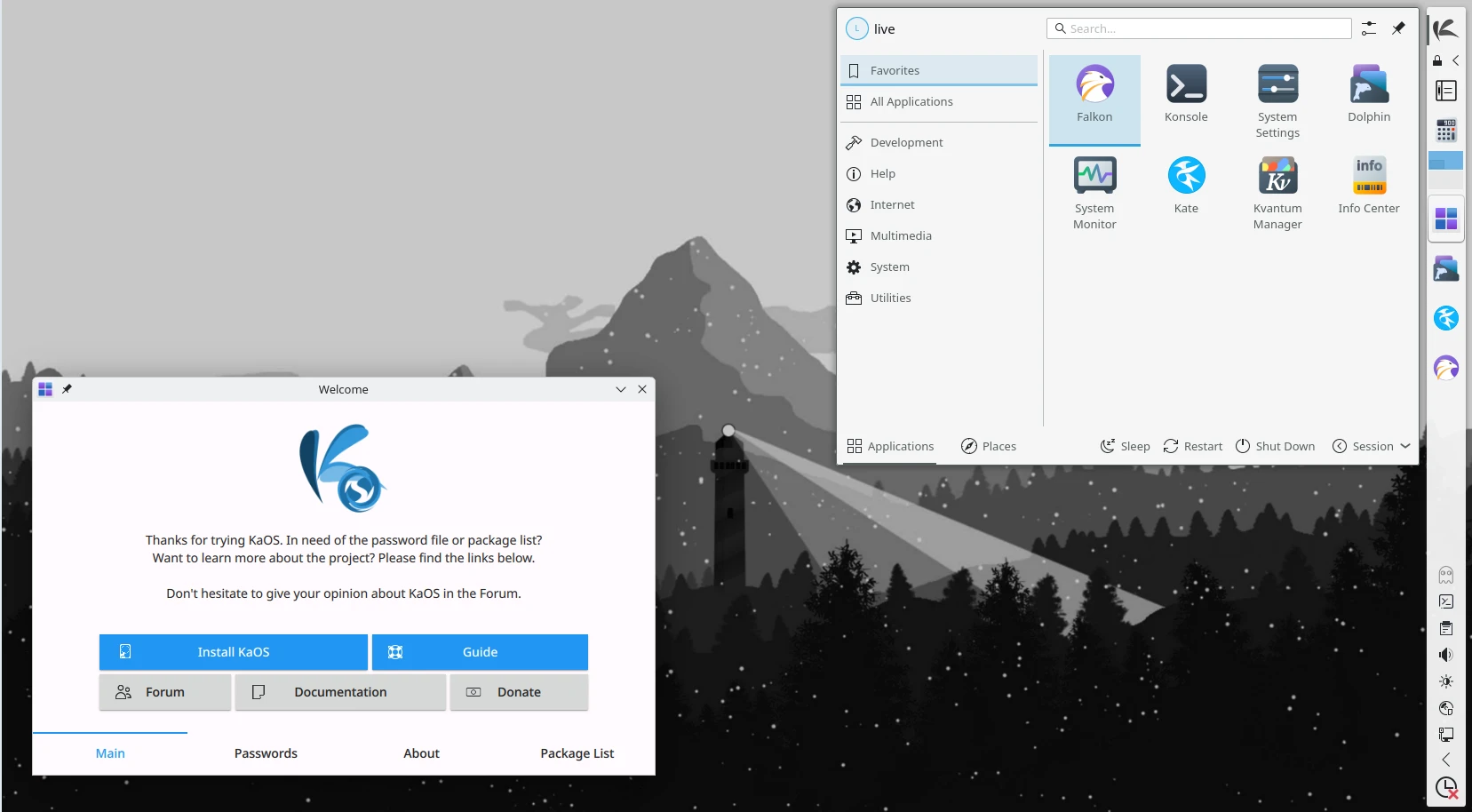
Latest News for this ISO
With this ISO, a start is made to move to Limine as the bootloader. It is added as an option for UEFI installs in Calamares, not set as default yet. Plenty of testing will be needed to have Limine replace systemd-boot, but it is planned.

For the Plasma desktop, the latest Plasma (6.5.3), KDE Gear (25.08.3), and Frameworks (6.20.0) are included. All built on Qt 6.10.1. News for Plasma 6.5 includes, automatic light-to-dark theme switching based on the time of day, a “Pinned clipboard items” feature, which lets you save text you use regularly into the clipboard, so you don’t have to keep copying them over and over again. System Settings’ Wi-Fi & Networking page has been updated to show detected wireless networks, and you can connect to them directly from there. And KRunner Fuzzy Search, even if you type it wrong, KRunner will find it!
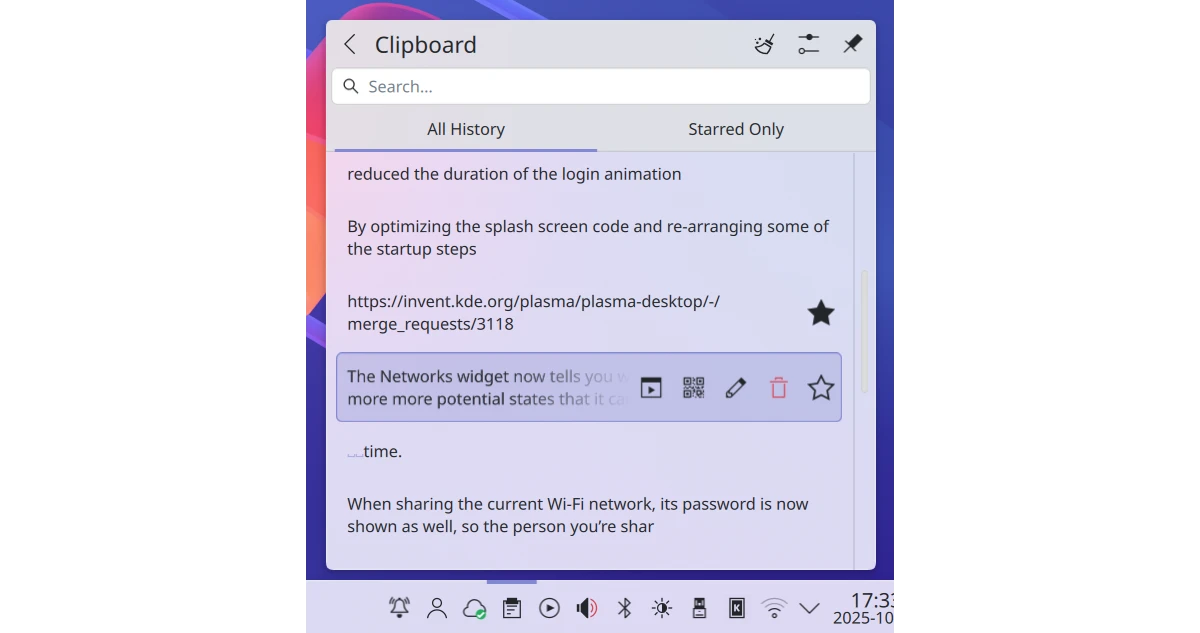
Pinned clipboard items
This ISO also moves to a newer systemd. 254 is now a few years old (still maintained upstream, but looks like that won’t be the case much longer), it was the last version fully supporting a split /usr setup like KaOS is using. Running an install on systemd 257 has been tested a while now, creating an ISO with it still fails, so this ISO has systemd 255.22, the installs will move to 257.10.
KRunner Fuzzy Search
Updates to the base of the system were numerous and included Boost 1.89.0, ICU 77.1, Glib2 2.86.2, Opencv 4.12.0, Poppler 25.11.0, Gstreamer 1.26.8, Pipewire 1.4.9, kernel moved to Linux 6.17.9, Systemd 257.10, ZFS 2.3.5, Cmake 4.2, OpenSSH 10.2, Bash 5.3, Protobuf 33.1 and Mesa 25.2.7.
Among the new packages included are Niri, a Scrollable-tiling Wayland compositor, Quickshell, a Flexible toolkit for making desktop shells with QtQuick for Wayland and Noctalia Shell, a minimal desktop shell for Wayland that actually gets out of your way.
 Kaos running Niri with Noctalia Shell
The installer (Calamares) no longer uses a web-browser on the Welcome page to link to extra information. Since the installer runs as root, opening a browser as root has always been problematic. KaOS now moved to provide the extra info by using a QML Drawer within the Welcome page.

A new Phonon sound backend is in use. So far, VLC was used, but there is no Qt6 porting for VLC yet. Using phonon-mpv as default now gives a fully Qt6-ready backend.
SDDM 0.20.0 added the option to run this display manager in Wayland mode, so KaOS is one step closer to being ready to move away from X11. The shell used to run in Wayland mode is kwin_wayland (upstream default is using Weston).
Getting good logs has always been a bit of a challenge since you have to know what journalctl commands to use. That is now a thing of the past, Kjournald gives the option to view the logs from a nice GUI, with all kinds of filter options in the left-hand pane (it is part of the default install)
Common Notes
The automated partitioning option in the installer (Calamares) offers the use of all popular file-systems, so no need to use manual partitioning to be able to choose XFS, EXT4, BTRFS, or ZFS.
Big thanks goes to YourHostingSolutions for not only providing a mirror, but also providing a server for KaOS. With the discontinuation of Fosshost, a new server was sorely needed.
The Linux kernel has all the needed ucode built-in for a fully automated Early Microcode update.
KaOS’ creation Croeso (Welsh for welcome) for helping with configuring a new installation is included. It will run on the newly installed system and offers to adjust some 15 commonly used settings, includes a custom Wallpaper selector, distribution info, and the option to select packages to install from six different groups. It is written in QML and fits well with the Welcome application used in the Live system. The latter includes an Installation Guide.
This ISO uses the CRC and finobt enabled XFS file-system as default. CRCs enable enhanced error detection due to hardware issues, whilst the format changes also improves crash recovery algorithms and the ability of various tools to validate and repair metadata corruptions when they are found. The free inode btree does not index used inodes, allowing faster, more consistent inode allocation performance as file-systems age.
The artwork includes a custom icon theme for light themes. Midna creates a complete, unified look from boot-up all the way through logout.
There is an option to verify the authenticity of downloaded KaOS ISO files through GPG signature verification, see the Download page for further details and instructions.
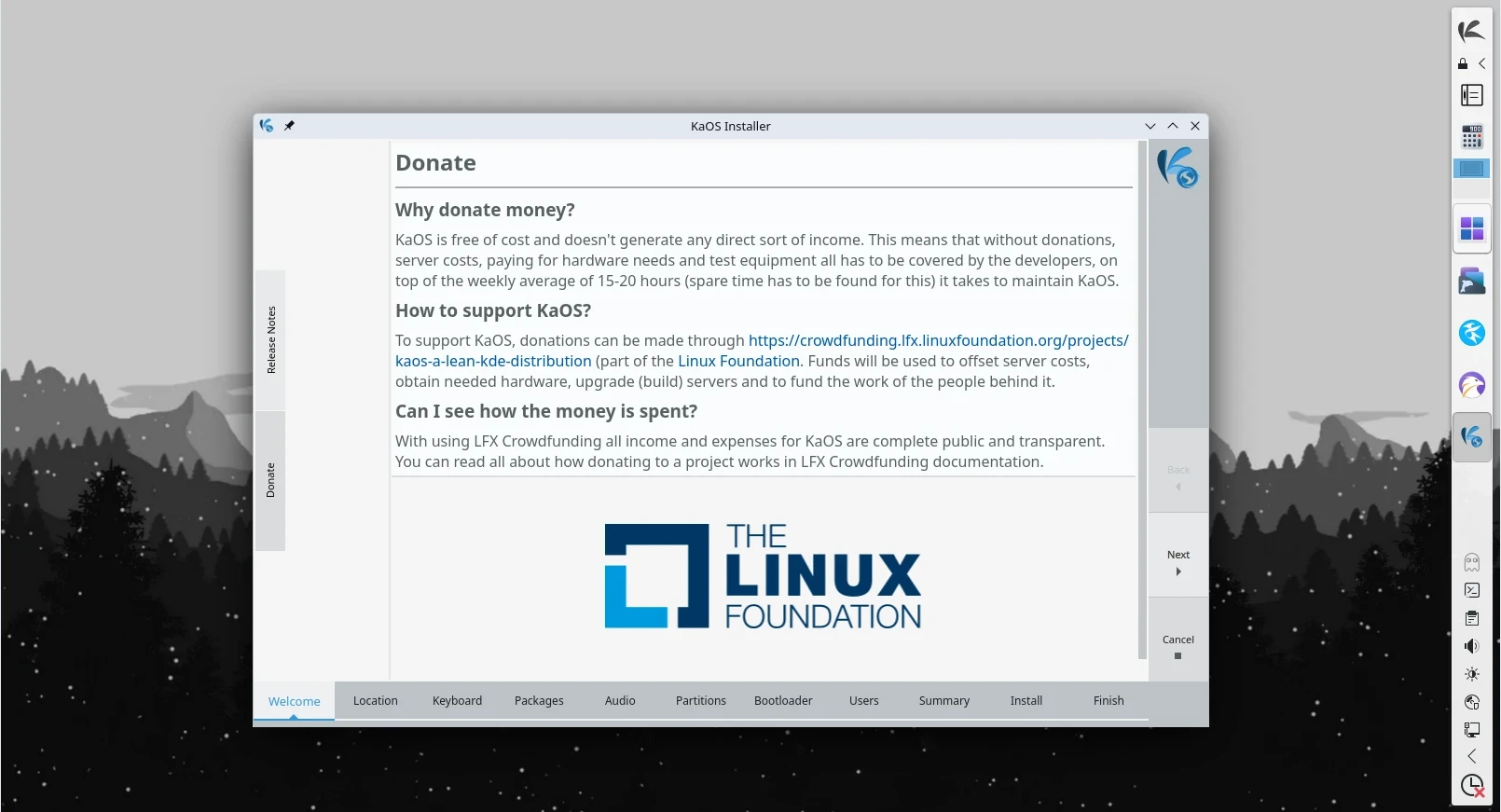 Calamares using a QML Drawer to show information
Known issues:
- Installing on RAID is currently not possible
To create reliable installation media, please follow the instructions from the Download page. KaOS ISO’s do not support Unetbootin or Rufus, and DVDs need a burn speed no higher than 4x.